









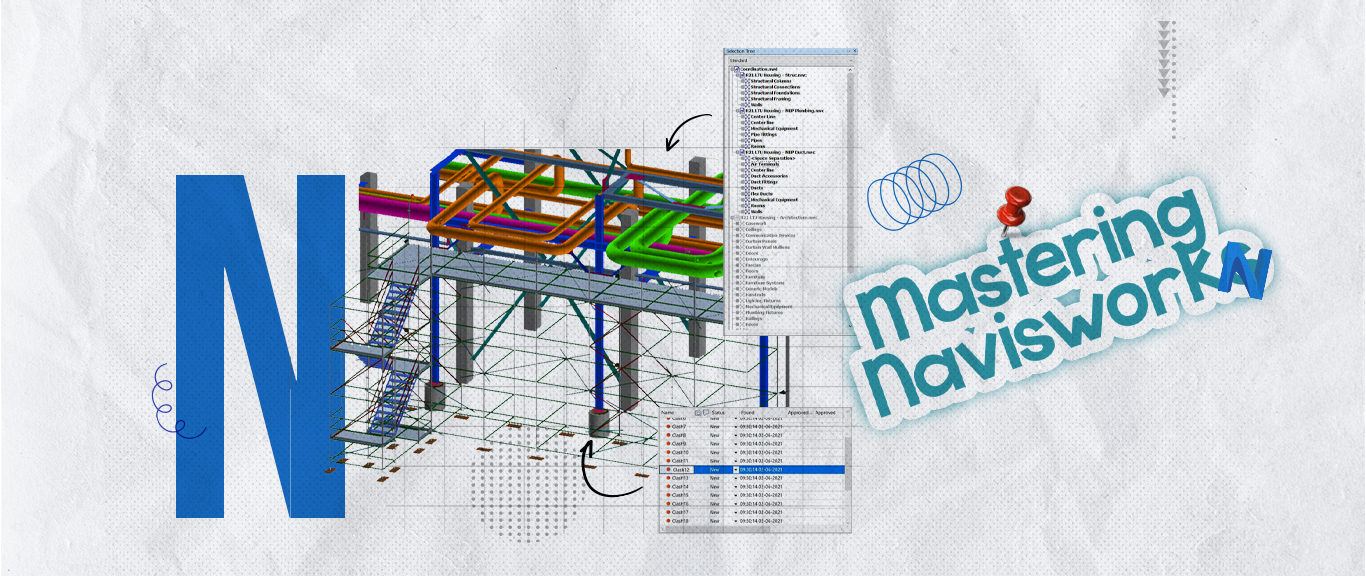
About This Course
Course Overview: Mastering NAVISWORK
This online course is designed to help you become proficient in using NAVISWORK, a powerful tool for BIM professionals. Whether you're new to NAVISWORK or want to improve your skills, this course will guide you through the key features needed to effectively manage and coordinate your projects.
What You'll Learn:
Getting Started with NAVISWORK
- Understand the interface and navigation tools
- Import and export models
- Basic functions to get started with your project
Coordinating 3D Models
- Combine models from different disciplines (architecture, structure, MEP)
- Work with large projects and organize your models
- View and manipulate 3D models for better coordination
Clash Detection
- Set up clash detection tests
- Identify and fix clashes between different building systems
- Generate reports to track and resolve issues
Project Simulation
- Create walkthroughs and animations for project presentations
- Simulate construction schedules and processes
- Visualize complex building designs
Advanced Techniques
- Use TimeLiner to manage project timelines
- Work with other BIM software like Revit and AutoCAD
- Improve team collaboration and project efficiency
Managing Projects with NAVISWORK
- Share information and communicate project details
- Present your project to stakeholders
- Ensure quality control and minimize errors
Target Audience:
- BIM professionals
- Architects, engineers, and project managers
- Anyone looking to improve their NAVISWORK skills
Prerequisites:
- Basic knowledge of BIM or 3D modeling
- Familiarity with other design software like Revit or AutoCAD is helpful but not required.
By the end of this course, you'll be able to use NAVISWORK confidently for project coordination, clash detection, and simulations, helping you work more efficiently on any BIM project.

Ahmed Attia
Curriculum Overview
This course includes 18 modules, 102 lessons, and 0 hours of materials.
Course Certificate
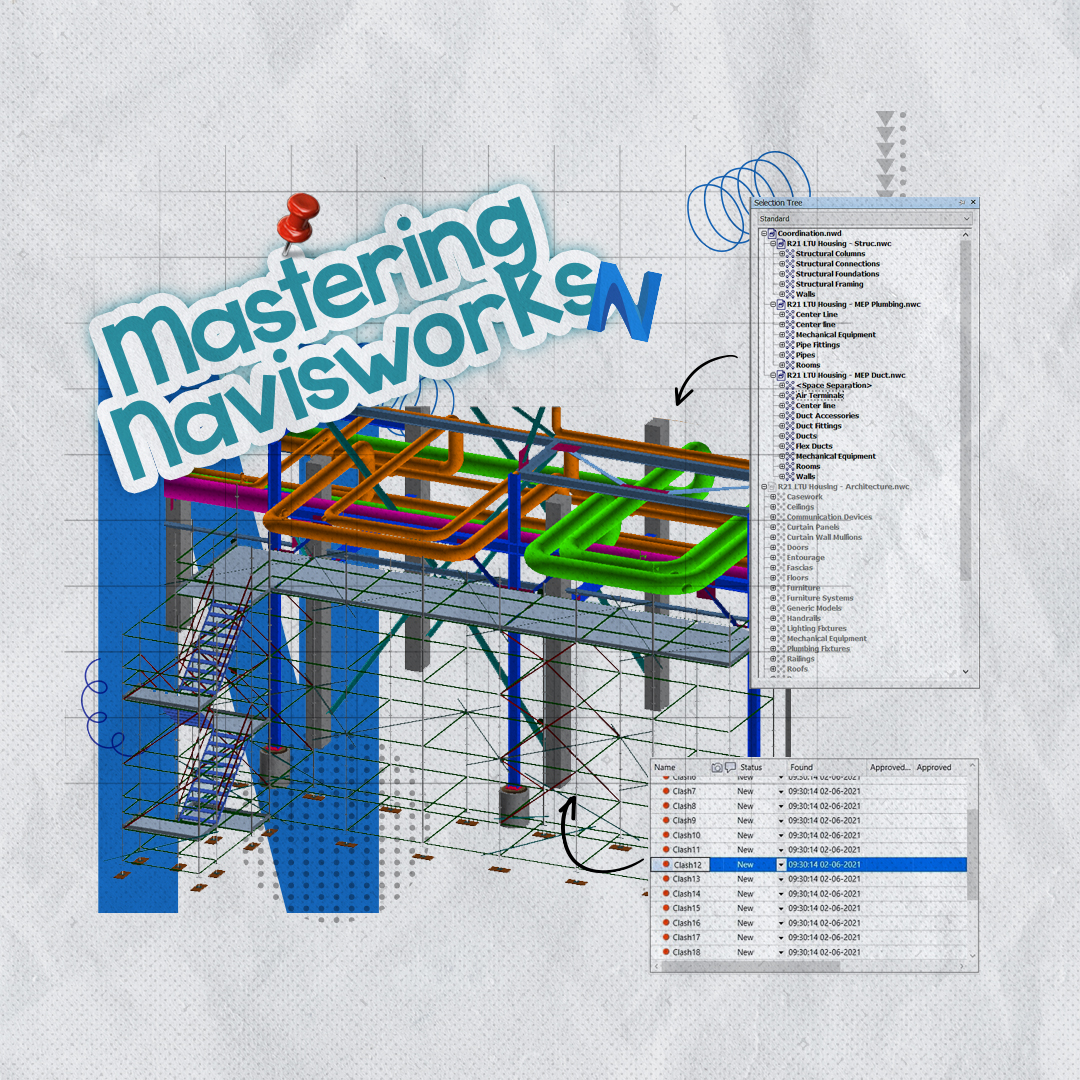
This Course Includes
Course Specifications






Reply to Comment