









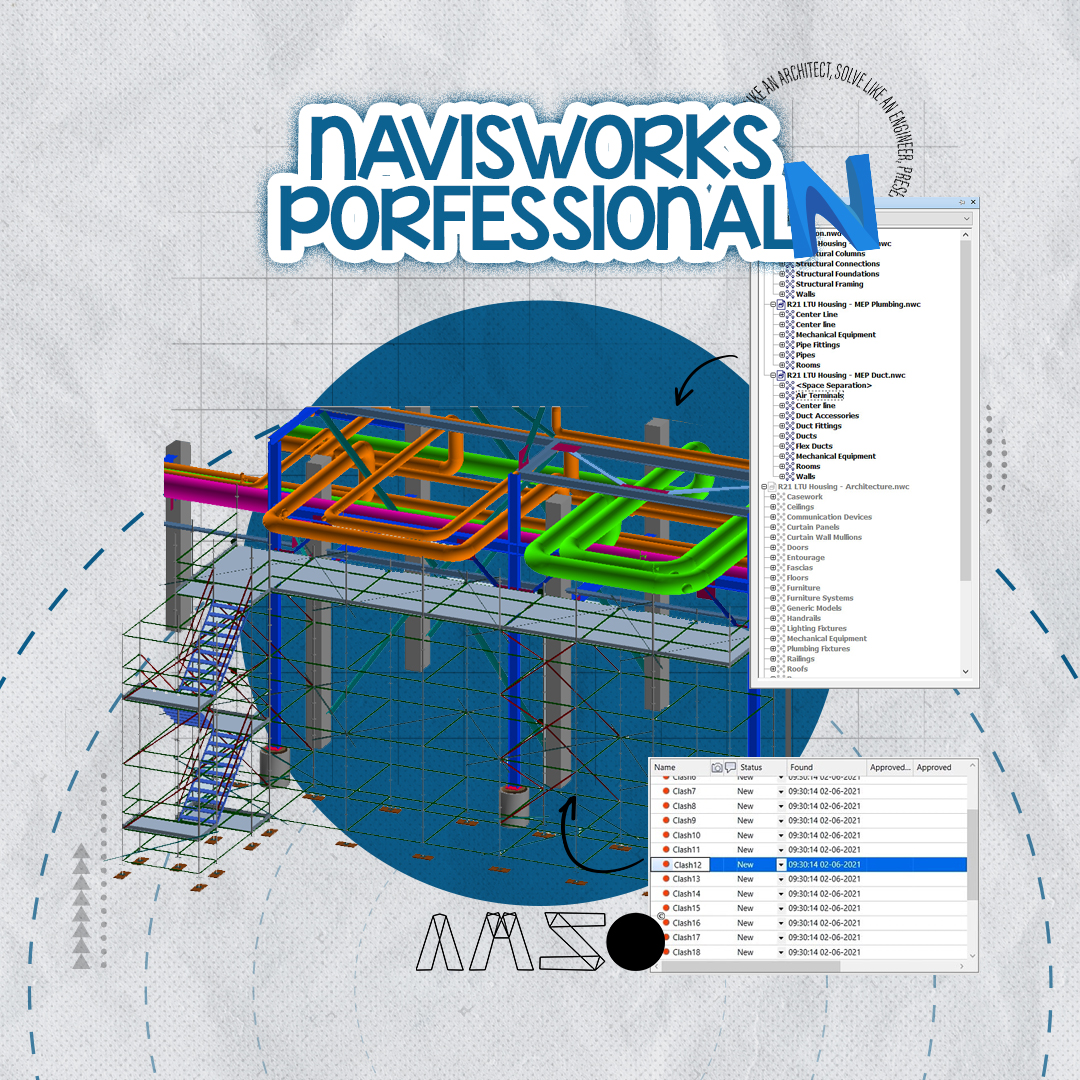
NAVISWORK PROFESSIONAL 101

NAVISWORK PROFESSIONAL 101

100 Students
98 Lectures

About This Course

Course Overview: Mastering NAVISWORK 

This online course is designed to help you become proficient in using NAVISWORK, a powerful tool for BIM professionals. Whether you're new to NAVISWORK or want to improve your skills, this course will guide you through the key features needed to effectively manage and coordinate your projects.

What You'll Learn:

  1. Getting Started with NAVISWORK

    • Understand the interface and navigation tools
    • Import and export models
    • Basic functions to get started with your project
  2. Coordinating 3D Models

    • Combine models from different disciplines (architecture, structure, MEP)
    • Work with large projects and organize your models
    • View and manipulate 3D models for better coordination
  3. Clash Detection

    • Set up clash detection tests
    • Identify and fix clashes between different building systems
    • Generate reports to track and resolve issues
  4. Project Simulation

    • Create walkthroughs and animations for project presentations
    • Simulate construction schedules and processes
    • Visualize complex building designs
  5. Advanced Techniques

    • Use TimeLiner to manage project timelines
    • Work with other BIM software like Revit and AutoCAD
    • Improve team collaboration and project efficiency
  6. Managing Projects with NAVISWORK

    • Share information and communicate project details
    • Present your project to stakeholders
    • Ensure quality control and minimize errors

Target Audience:

  • BIM professionals
  • Architects, engineers, and project managers
  • Anyone looking to improve their NAVISWORK skills

Prerequisites:

  • Basic knowledge of BIM or 3D modeling
  • Familiarity with other design software like Revit or AutoCAD is helpful but not required.

By the end of this course, you'll be able to use NAVISWORK confidently for project coordination, clash detection, and simulations, helping you work more efficiently on any BIM project.

Abdelrahman Reda Ali
1 Courses
0 Students
Specialist Architect and Researcher in the field of bim modeling,documentation,Shopdrawings and coordination for 3 years. I believe in the importance of time and smart work with standard as well as cleared details with the ability to find innovative solutions to problems and manage assigned tasks.
Abdelrahman Reda Ali
Curriculum Overview

This course includes 15 modules, 98 lessons, and 0 hours of materials.

01-Why Naviswork
5 Parts
00-Why Navisworks

00-Why Navisworks

Volume 16 MB
01-02_Navisworks Software Types
Volume 3.5 MB
01-03_Navisworks File Types
Volume 6 MB
01-04_Install Order
Volume 2 MB
01-05_NWC Export Utility
Volume 4 MB
02-Hello Naviswork!
9 Parts
02-01_User Interface
Volume 12 MB
02-02_Ribbons
Volume 5 MB
02-03_Dockable Windows
Volume 6 MB
02-04_Workspaces
Volume 4 MB
02-05_Auto-Save
Volume 3 MB
02-06_Offline Help
Volume 4 MB
02-07_Keyboard Shortcuts
Volume 3 MB
02-08_File Units
Volume 6 MB
02-09_Performance Indicators
Volume 35 MB
03-How To Deal With RVT&NWX FILES
9 Parts
03-01_Opening Files & Working with RVT
Volume 15 MB
03-02_Exporting Revit to Navisworks
Volume 8 MB
03-03_Export Settings
Volume 17 MB
03-04_AutoCAD to NWC
Volume 9 MB
03-05_Append Files
Volume 15 MB
03-06_Merge Files
Volume 24 MB
03-07_Refresh Files
Volume 5 MB
03-08_Best Workflow
Volume 5 MB
03-09_Publishing Files
Volume 9 MB
04-Lets Play Around With The Navigation tools
6 Parts
04-01_Overview
Volume 4 MB
04-02_Using Mouse
Volume 15 MB
04-03_Zoom Tools
Volume 32 MB
04-04_Walk
Volume 60 MB
04-05_Look
Volume 21 MB
04-06_Gravity
Volume 19 MB
05-All You Need To Know About Selection In Naviswork
10 Parts
05-01_Select
Volume 13 MB
05-02_Select All
Volume 10 MB
05-03_Select Same
Volume 14 MB
05-04_Selection Tree
Volume 28 MB
05-05_Selection Resolution
Volume 20 MB
05-06_Selection Set
Volume 42 MB
05-07_Selection Inspector
Volume 18 MB
05-08_Find Items
Volume 24 MB
05-09_Search Options
Volume 33 MB
05-10_Search Set
Volume 10 MB
06-All Youn Need To Know About The Visability, Display, Viewpoint & Reviewing
14 Parts
06-01_Hide
Volume 21 MB
06-02_Properties
Volume 16 MB
06-03_Quick Properties
Volume 6 MB
06-04_Create Viewpoint
Volume 31 MB
06-05_Render Style
Volume 21 MB
06-06_Sectioning
Volume 21 MB
06-07_Export Viewpoints
Volume 14 MB
06-08_Create Animation
Volume 16 MB
06-09_Export Animation
Volume 7 MB
06-10_Measure
Volume 32 MB
06-11_Redline
Volume 10 MB
06-12_Tags
Volume 9 MB
06-13_Comments
Volume 10 MB
06-14_Scene View
Volume 6 MB
07-Lets Fix Some Issues By Coordination
2 Parts
07-01_Issues
Volume 24 MB
07-02_Triple Coordination
Volume 14 MB
08-Did You Watch The Matrix! No. So lets See The Clash Matrix
4 Parts
08-01_Overview
Volume 10 MB
08-02_Clash Tests
Volume 15 MB
08-03_Clash Tolerance
Volume 18 MB
08-04_Clash Priority
Volume 10 MB
09-Catch The Clash With The Clash Detection
16 Parts
09-01_Overview
Volume 10 MB
09-02_Clash Accuracy
Volume 5 MB
09-03_Clash Tests Types & 03-Hard Conservative
Volume 6 MB
09-04_Adding Clash Tests
Volume 33 MB
09-04-01_Adding Clash Tests Ex
Volume 25 MB
09-05_Clash Test Settings
Volume 10 MB
09-06_Clash Test Selection
Volume 14 MB
09-07_Clash Results
Volume 22 MB
09-08_Clash Filter
Volume 21 MB
09-09_Quick Filter
Volume 11 MB
09-10_Display Settings
Volume 18 MB
09-11_Group Clashes
Volume 14 MB
09-12_Compact Clashes
Volume 12 MB
09-13_Clash Review
Volume 8 MB
09-14_Clash Rules
Volume 5 MB
09-15_Clash Report
Volume 14 MB
10-Naviswork Standards
4 Parts
10-01_Naming Convention Standards
Volume 6 MB
10-02_Search Set Standards
Volume 6 MB
10-03_Appearance Profiler Standards
Volume 10 MB
10-04_File Reader Standards
Volume 4 MB
11-XML
7 Parts
11-01_Installing Software
Volume 4 MB
11-02_Finalizing Search Sets
Volume 20 MB
11-03_Finalizing Clash Tests
Volume 15 MB
11-04_Understanding XML
Volume 33 MB
11-05_Exploring XML
Volume 33 MB
11-06_Creating XML
Volume 43 MB
11-07_Clash Matrix and XML
Volume 45 MB
12-Element ID Method
3 Parts
12-01_Introduction
Volume 3 MB
12-02_Find Clash
Volume 32 MB
12-03_Solve Clash BY iD Method
Volume 32 MB
13-SwitchBack Method
1 Parts
13-01_SwitchBack Method
Volume 8 MB
14-Clash Schedule
2 Parts
14-01_Clash Point Method
Volume 43 MB
14-02_Schedules
Volume 9 MB
15-Clash Charts
6 Parts
15-01_Introduction
Volume 5 MB
15-02_Export Clashes
Volume 9 MB
15-03_Installing Power BI
Volume 3 MB
15-04_Power BI Charts
Volume 19 MB
15-05_Formatting Charts
Volume 9 MB
15-06_Save Charts
Volume 5 MB
Certificates
1 Parts
Course Certificate
Course Certificate
If you pass all the lessons in this course, you will receive this certificate.
Type Course Certificate
Reply to Comment
Comments Approval

Your comment will be visible after admin approval.

0
0 Reviews
Content Quality (0)
Instructor Skills (0)
Value for Money (0)
Support Quality (0)
Reply to Review
Submit Reply

Your reply to this review will be visible to all users.

NAVISWORK PROFESSIONAL 101
$100

This Course Includes

Downloadable Content
Official Certificate
Instructor Support

Course Specifications

Sections
15
Lessons
98
Capacity
0 Students
Duration
16:40 Hours
Students
100
Created Date
1 Dec 2024
Updated Date
30 Jan 2025
Invited
Ahmed Attia
Ahmed Attia

BIM Manager

Faithful User
Expert Vendor
Best Seller
NAVISWORK PROFESSIONAL 101
You are viewing
NAVISWORK PROFESSIONAL 101